
New features of Mindbreeze InSpire 26.6 Release
Want to check out the highlights of the Mindbreeze InSpire 26.6 Release? Learn more in the following blog post.
Mindbreeze Insight Workplace
The Mindbreeze InSpire 26.6 Release introduces new features for the Mindbreeze Insight Workplace. Users can now easily rate the quality of the generated answers with the feedback feature. Feedback can consist of either a rating (thumbs up/thumbs down) or a detailed comment entered in the comment field, along with a selection of keywords.
Administrators and Knowledge Managers can analyze the submitted feedback in app.telemetry and use the Analytics Insight Touchpoint to derive datasets for automated testing. This allows the RAG pipeline to be tailored even more precisely to users’ needs.
In addition, the PDF preview for large documents has been optimized. The improved rendering process enables faster and smoother navigation, even within large PDF documents.
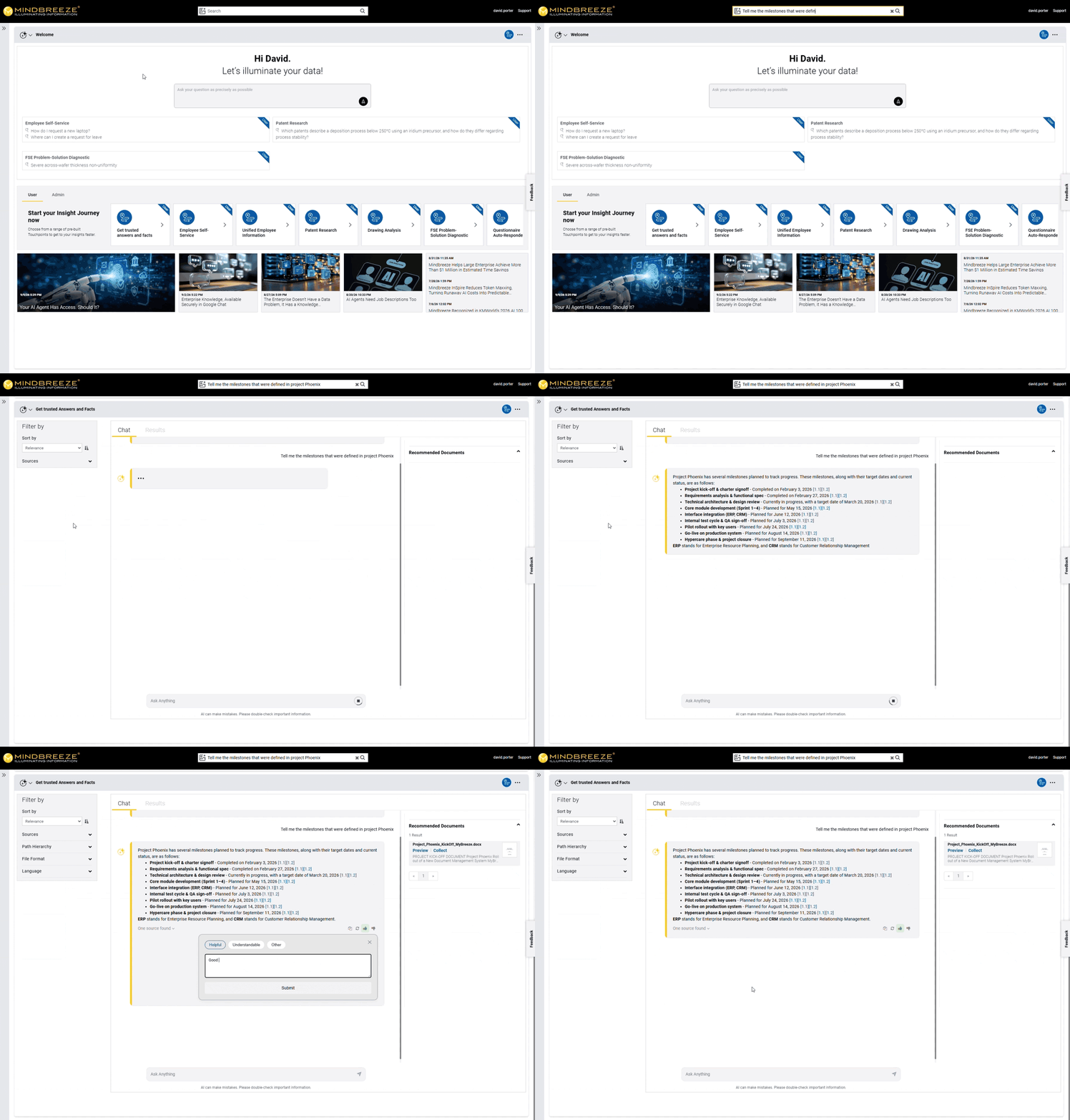
The new saving feature streamlines reusing Insight Touchpoints and Insight Journeys. Users can save Insight Touchpoints and Insight Journeys as they wish so they can reuse them immediately when they reopen the Insight Workplace. The content of saved Insight Touchpoints and Insight Journeys is updated when they are reused. This ensures that the updated content is available to users in the saved Insight Touchpoints and workflows, just as usual.
Administrators have two modes available when configuring the saving feature:
- Automatic saving, to save all created Insight Touchpoints and Insight Journeys.
- Manual saving, where users themselves determine which Insight Touchpoints and Insight Journeys should be saved.
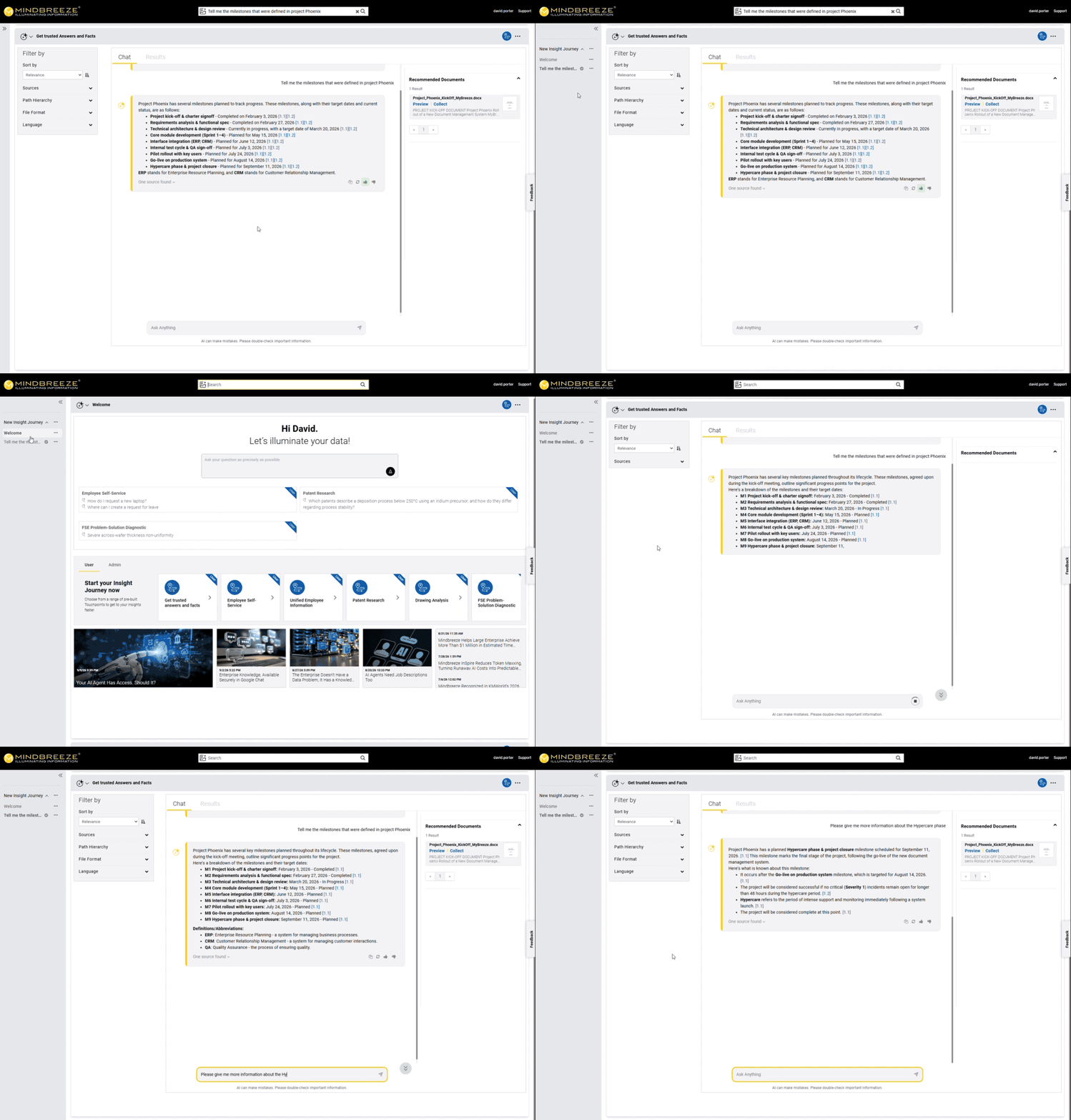
Administrators can now configure how Insight Touchpoints are displayed in the Insight Workplace. By default, whenever an interaction leads to a new Insight Touchpoint, it is generated and appended to the Insight Journey, where it is displayed as a separate section and focused on. Users can navigate between individual Insight Touchpoints by scrolling or access them directly via the sidebar, where they are displayed as part of the Insight Journey.
A new feature is the ability to display only the results of the currently active Insight Touchpoint in the Insight Workplace — for a more compact and organized Insight Workplace. Even when only the currently active Insight Touchpoint is displayed, the other Insight Touchpoints remain available at all times. They continue to appear in the sidebar as individual Insight Touchpoints within the Insight Journey and can be accessed directly from there.
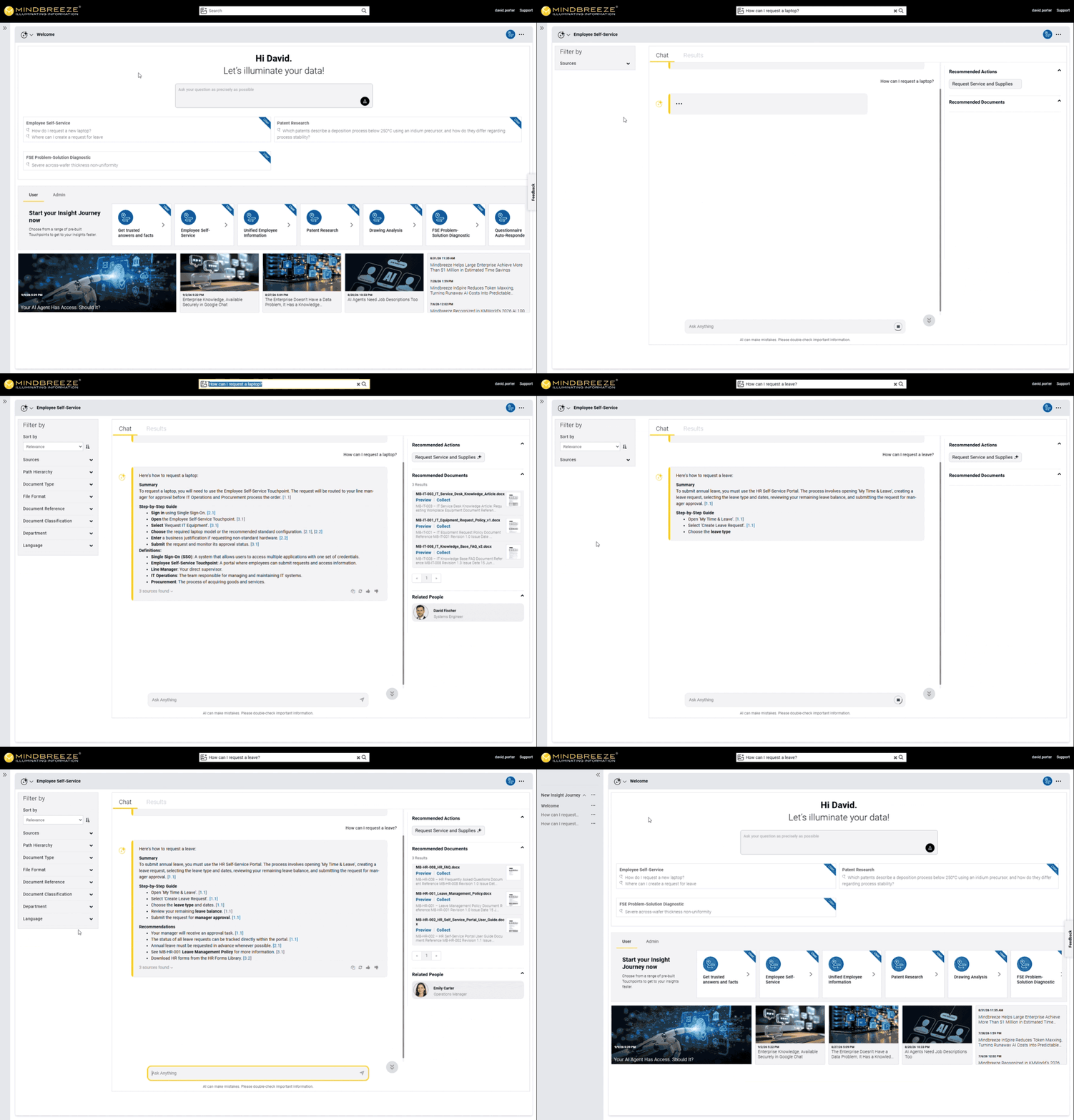
Optimized API Tool Calling in Mindbreeze InSpire
Since the 26.5 Release, Mindbreeze customers have been able to integrate Mindbreeze InSpire API tools into their AI agents via the Model Context Protocol (MCP) to process entirely new use cases in a fact-based and rights-verified manner. As part of ongoing development, API tool calling has been optimized in the Mindbreeze InSpire 26.6 Release and is now available for AI agents.

The optimization of API tool calling is possible due to a streamlined workflow, enabling AI agents to execute the appropriate Mindbreeze InSpire API tool more efficiently. As a result, AI agents that use Mindbreeze InSpire API tools are able to perform various tasks more efficiently while maintaining a consistently high level of quality.
Detailed information on all innovations can be found in our release notes.
Contact our experts for further information.
Latest Blogs

How an AI Agent Uses MCP to Complete a Business Task
A customer reports that a production system has failed for the third time in two months. A service employee needs to review the customer’s coverage, understand the earlier incidents, find current technical guidance, and decide whether the issue should be escalated.

New features of Mindbreeze InSpire 26.7 Release
Want to check out the highlights of the Mindbreeze InSpire 26.7 Release? Learn more in the following blog post.